
No-Code Automation Tools: 13 Platforms Compared for 2026
No-code automation tools let you connect your business apps, automate repetitive workflows, and build multi-step processes using visual editors instead of writing code. The best ones go further, using AI to generate workflows from plain-English descriptions and making decisions within the workflow itself.
This guide compares 13 platforms across five categories (AI-native builders, general-purpose connectors, open-source options, developer-first tools, and enterprise platforms) so you can find the one that fits your team, your budget, and the complexity of the work you need to automate. We also cover real workflow examples you can build this week, a framework for choosing between no-code and low-code approaches, and a practical selection checklist.
Jump straight to:
- 13 no-code automation tools compared by category
- AI-native builders (Stepper, Relay.app)
- General-purpose connectors (Zapier, Make, Pabbly Connect)
- Open-source and self-hosted (n8n, Activepieces)
- Developer-first (Pipedream)
- Enterprise and IT-led (Power Automate, Workato)
- Specialist tools (Parabola, Bardeen, Tines)
- Three workflows you can build this week
- No-code vs. low-code vs. custom code: pick the right approach
- How to pick the right tool for your team
- FAQ
13 no-code automation tools compared by category
The no-code automation market has split into distinct lanes. A tool built for enterprise IT governance looks nothing like one designed for a solo ops manager connecting Gmail to Slack. Knowing which lane you're in saves you from evaluating tools that were never built for your situation.
The comparison table below gives you a quick-reference snapshot. Detailed breakdowns follow.
| Tool | Best for | Pricing model | Integrations | AI built in? |
|---|---|---|---|---|
| Stepper | AI-native workflow building | Free plan (unlimited workflows, 200 steps/mo). Pro $19/mo | 100+ apps | Yes (conversational + visual) |
| Relay.app | Human-in-the-loop approvals | Free (100 runs). Growth $29.99/mo | 200+ apps | Yes |
| Zapier | Simple, linear automations at scale | Free (limited). Paid from $29.99/mo per task tier | 9,000+ apps | Yes (Copilot) |
| Make | Complex, multi-branch visual workflows | Free (1,000 ops). Paid from $10.59/mo | 3,000+ apps | Yes (AI toolkit) |
| Pabbly Connect | Budget-conscious teams | From $19/mo (10,000 tasks). Lifetime deals from $349 | 2,000+ apps | No |
| n8n | Self-hosted, developer-friendly automation | Free (self-hosted). Cloud from €24/mo | 400+ nodes | Yes (AI builder on cloud) |
| Activepieces | Fully open-source (MIT license) | Free cloud tier. Self-hosted free forever | 280+ pieces | Yes (MCP server support) |
| Pipedream | Developers mixing no-code + custom code | Free tier. Paid from $29/mo (credit-based) | 2,400+ apps | Yes |
| Power Automate | Microsoft ecosystem + desktop RPA | Per-user from $15/mo. Per-flow and pay-as-you-go options | 1,000+ connectors | Yes (AI Builder) |
| Workato | Enterprise iPaaS with governance | Custom (sales-led) | 1,000+ connectors | Yes |
| Parabola | Data ops and e-commerce teams | Credit-based. Free plan available | 100+ connectors | Yes (AI steps) |
| Bardeen | Browser-based lead sourcing and scraping | Free (basic). Credit-based for premium actions | 100+ apps | Yes (Magic Box) |
| Tines | Security operations and compliance | Custom (sales-led). Free community edition | Any API | Yes (AI Workbench) |
AI-native builders
Stepper
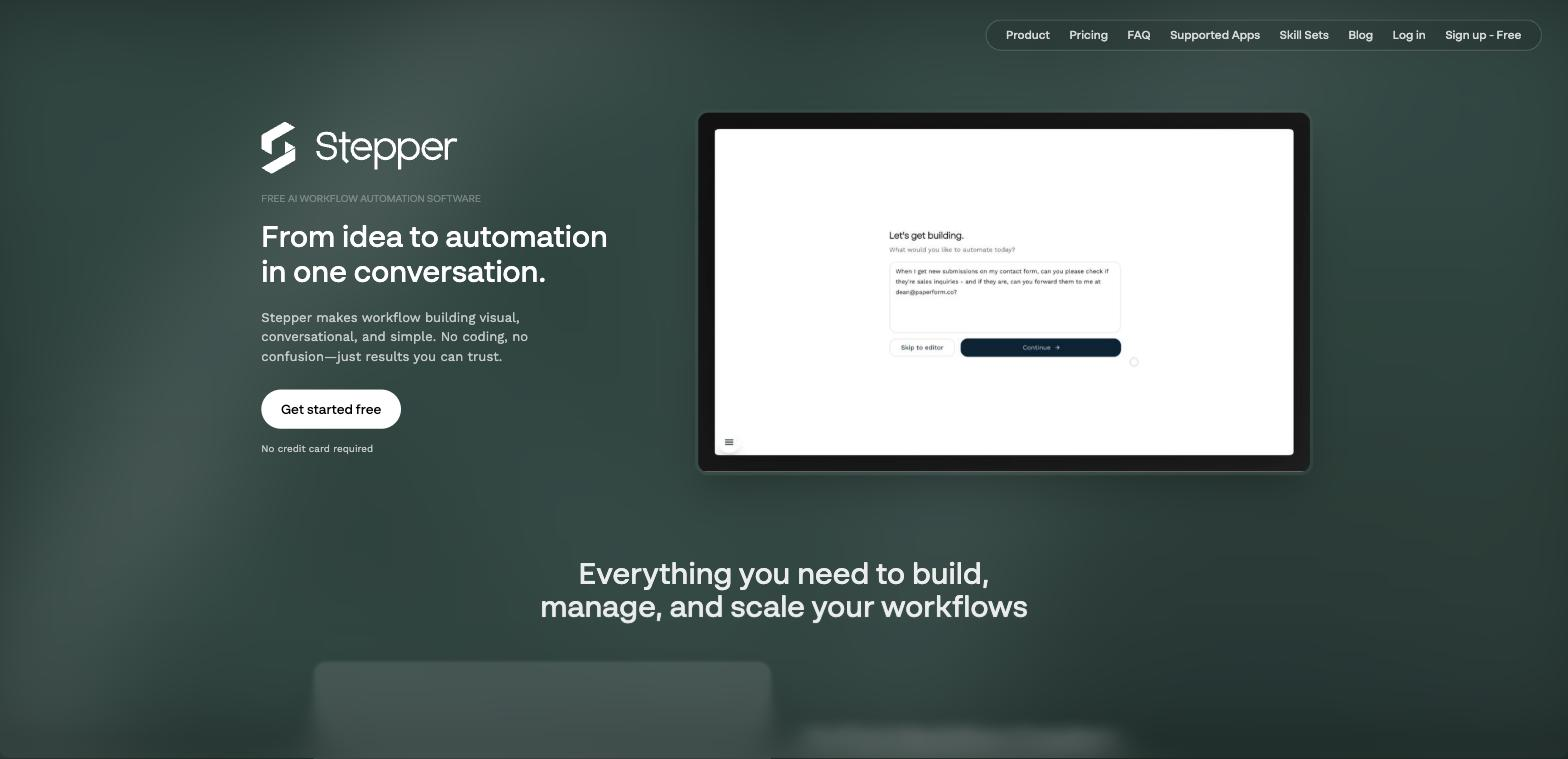
Stepper combines a conversational AI editor with a visual drag-and-drop builder. You describe a workflow in plain English ("When a new invoice PDF arrives in Gmail, extract the key data and add it to a Google Sheet"), and the AI generates a working first draft. You then fine-tune it visually.
The standout feature is reusable components. You build a piece of logic once (an API authentication sequence, a data transformation, a scoring model) and save it as a component you can plug into any workflow. For teams managing dozens of automations, this cuts build time and makes maintenance far easier because you fix a bug in one place, not fifty.
The free plan includes unlimited workflows and 200 steps per month. The Pro plan ($19/month) adds unlimited steps and credits for AI and premium actions. You can also bring your own API keys for services like OpenAI to control costs directly.
Limitations: Advanced team management and collaboration features are still in development. Workflows that rely on AI, email, or premium APIs pause when credits run out, requiring a top-up or your own API keys.
Relay.app
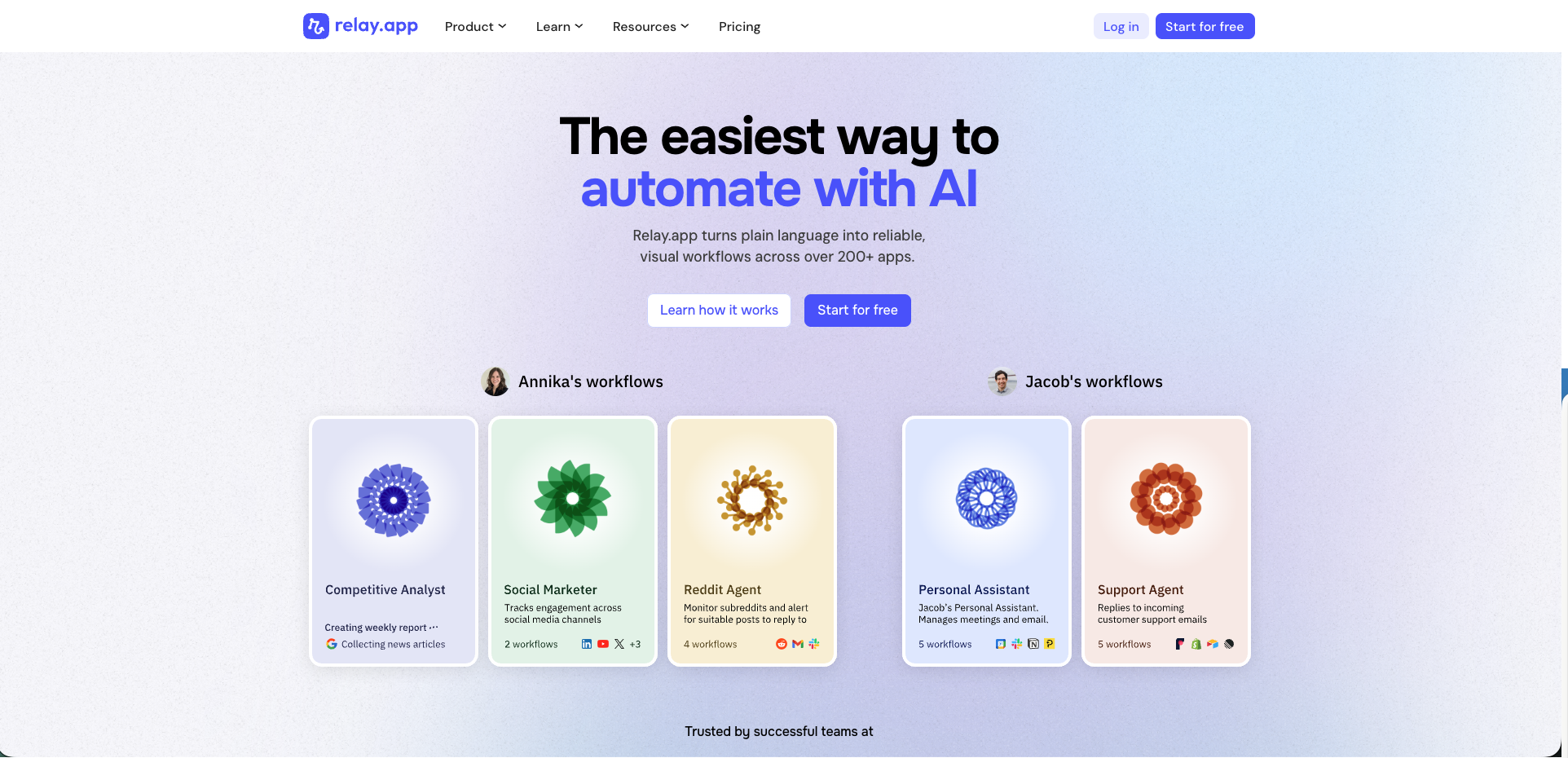
Relay.app's differentiator is human-in-the-loop workflows. The platform can pause mid-execution and wait for a human to approve, review, or edit something before continuing. That makes it a strong fit for processes where full automation is risky, like approving expenses over a certain threshold, reviewing AI-generated customer responses before they send, or signing off on contract terms.
The interface is clean and accessible. Like Stepper, it offers a plain-language workflow builder. It connects to over 200 apps and was awarded "Best for Operations & Compliance Teams" for AI Workflow Automation in Winter 2026.
Pricing: Free for 100 runs per month. Growth plan at $29.99/month gives you 10,000 runs, priority support, and API access.
Limitations: The integration library (~200 apps) is significantly smaller than Zapier or Make. Scaling workflows across large teams (25+) still has some friction around centralized management. Credits can deplete quickly on high-volume automations.
General-purpose connectors
Zapier
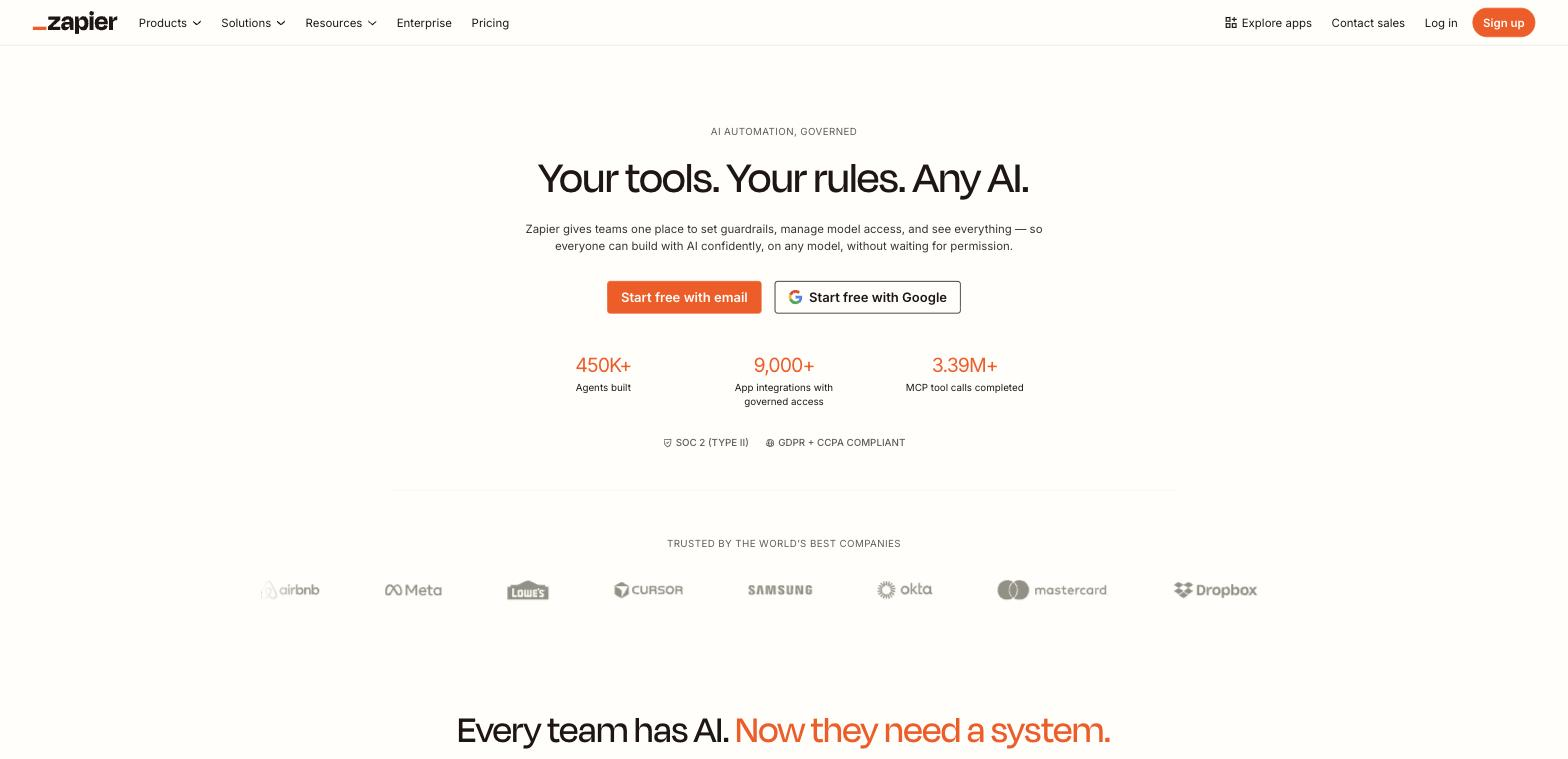
Zapier is the most widely adopted no-code automation tool, with over 9,000 app integrations. If the app you need to connect exists, Zapier almost certainly supports it. You create "Zaps" (linear, multi-step workflows triggered by an event in one app that causes actions in others) using a step-by-step editor.
The platform has expanded into Tables (lightweight data storage), Interfaces (simple user-facing forms), and a Copilot that helps build Zaps from plain-English descriptions. For straightforward connections between popular apps, getting a Zap running takes minutes.
Pricing: Task-based. Free plan is limited. Paid plans start at $29.99/month, scaling by task volume. Costs can escalate quickly with high-volume or complex automations because every action counts as a task.
Limitations: The linear, step-by-step editor becomes difficult to manage for workflows with extensive conditional logic or bulk data processing. If you need branching paths and visual clarity into how data flows, a canvas-based tool like Make or Stepper gives you more control.
Make
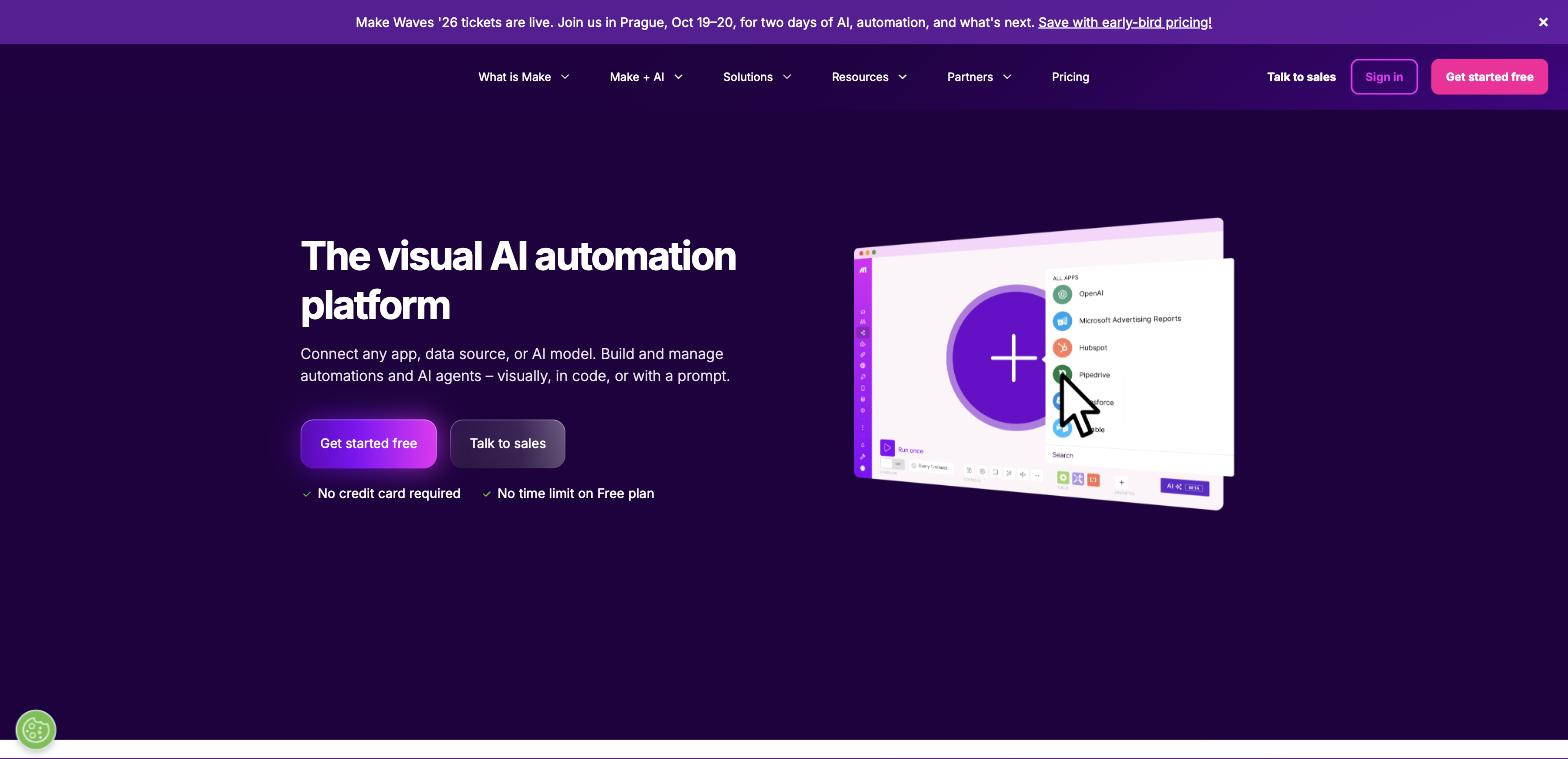
Make (formerly Integromat) uses a visual drag-and-drop canvas where data flows visibly between connected application modules. This approach makes it one of the most capable tools for designing complex, multi-path workflows with branching logic, error handling, and data manipulation. You're not building a linear chain of steps. You're drawing a map of your business process, which makes debugging and scaling significantly easier.
The platform supports over 3,000 applications and allows scheduling as frequent as every minute on paid tiers. Make has also integrated an AI toolkit for adding AI-driven actions directly into workflows, though its canvas-first approach differs from Stepper's conversational builder in how you get started.
Pricing: Operation-based credits. Free plan includes 1,000 operations per month. Paid plans start at $10.59/month, making it one of the more affordable options for complex workflows with low execution frequency.
Limitations: The depth of features (routers, data stores, iterators, aggregators) creates a steeper learning curve for complete beginners. Users coming from Zapier's step-by-step editor often need a few hours to get comfortable with the canvas.
Pabbly Connect
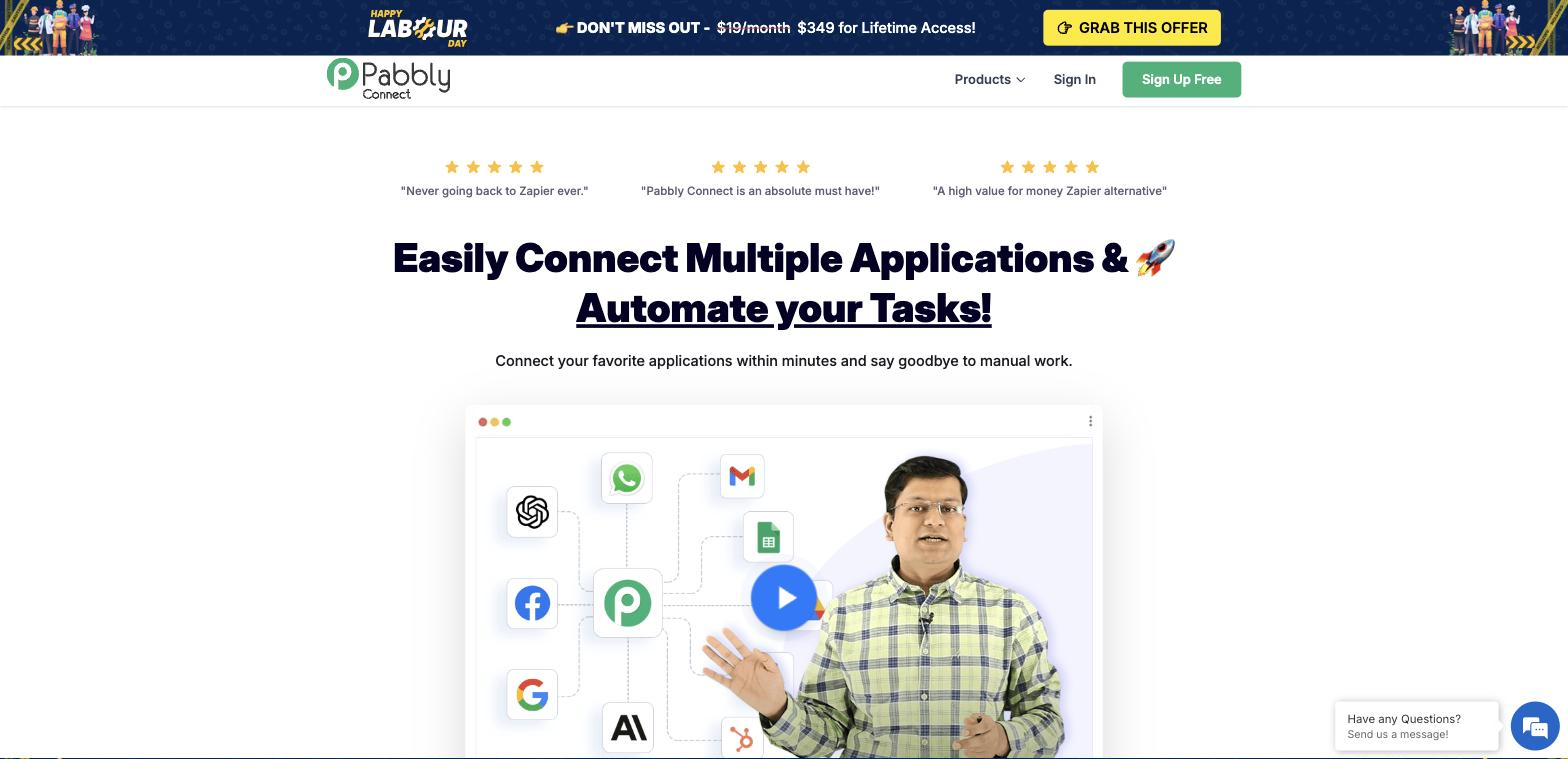
Pabbly Connect is the budget play. At $19/month for 10,000 tasks (with lifetime deal options starting at $349 for permanent access), it undercuts Zapier and Make on price by a wide margin. The key pricing advantage: internal operations like filters, routers, delays, and formatters don't count against your task limit. On Zapier, every action is a task. On Pabbly, only external app actions count.
The platform connects to over 2,000 apps through a drag-and-drop interface. Setup is straightforward for standard automations between popular tools like Google Sheets, Slack, HubSpot, and Shopify.
Pricing: From $19/month for 10,000 tasks. Lifetime deals run frequently at $349 for 3,000 monthly tasks with permanent access.
Limitations: No AI capabilities. You can't build automations using natural language or add decision-making AI steps. Some integrations feel like manual webhook setups rather than polished native connections. Documentation and support are thinner compared to Zapier or Make.
Open-source and self-hosted
n8n
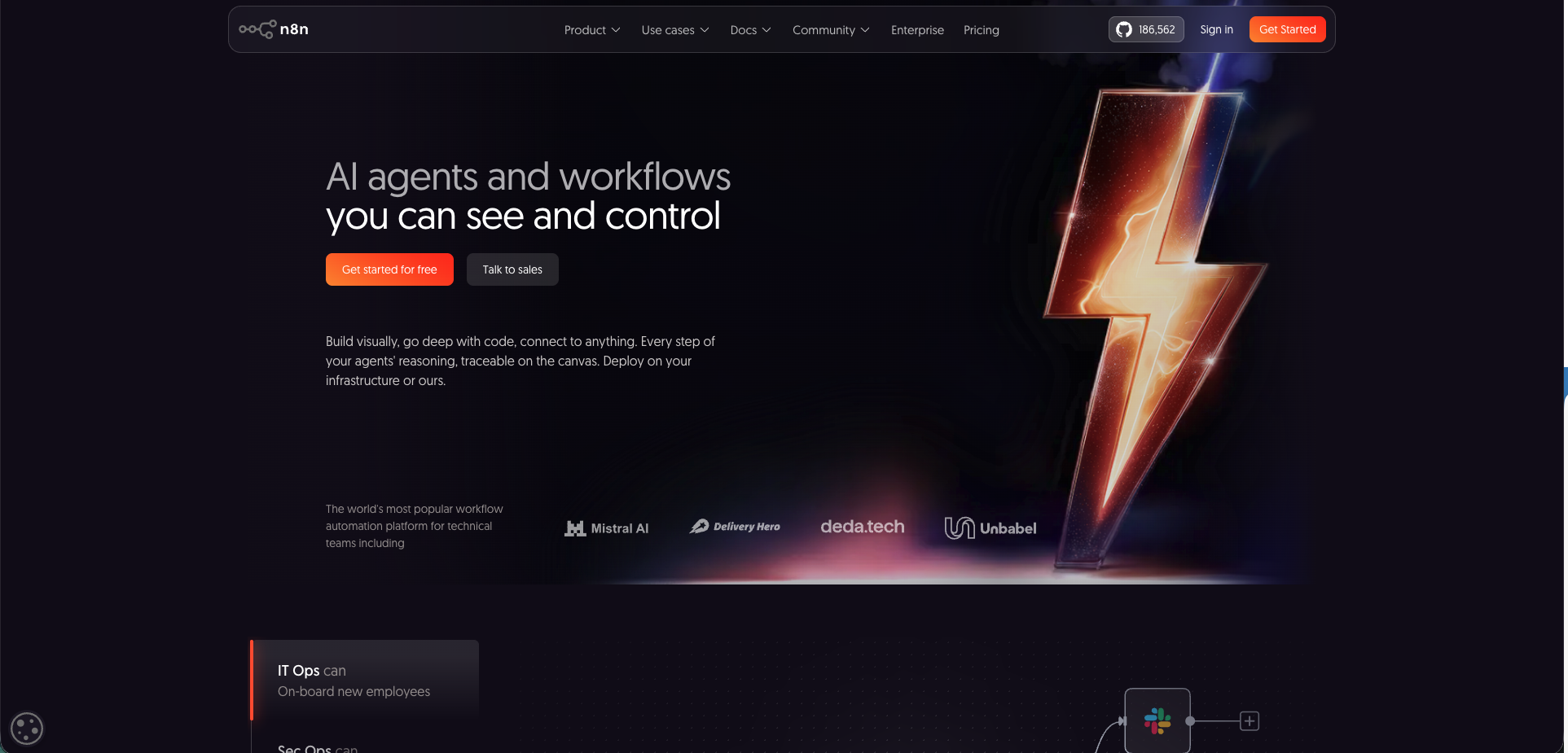
n8n is an open-core workflow automation tool with 186,000+ GitHub stars. It gives you the choice between a managed cloud version and a self-hosted instance, providing full control over data privacy and infrastructure. The node-based visual editor supports complex, multi-path workflows with JavaScript and Python code steps, version control, and separate development/production environments.
An AI Workflow Builder on cloud plans generates automations from text prompts. The pricing model charges by workflow executions (not individual steps), which makes costs predictable for dense, multi-step processes. The developer-focused approach differs from Stepper's conversational builder in both build experience and target audience.
Pricing: Self-hosted is free. Cloud plans start at €24/month, priced per execution. All plans include unlimited users and workflows.
Limitations: This is closer to low-code than no-code. Getting the most out of it often requires JavaScript or Python knowledge. The "Sustainable Use License" restricts using the self-hosted version to build competing products, which matters if you're an agency or SaaS company planning to embed automation into your own product.
Activepieces
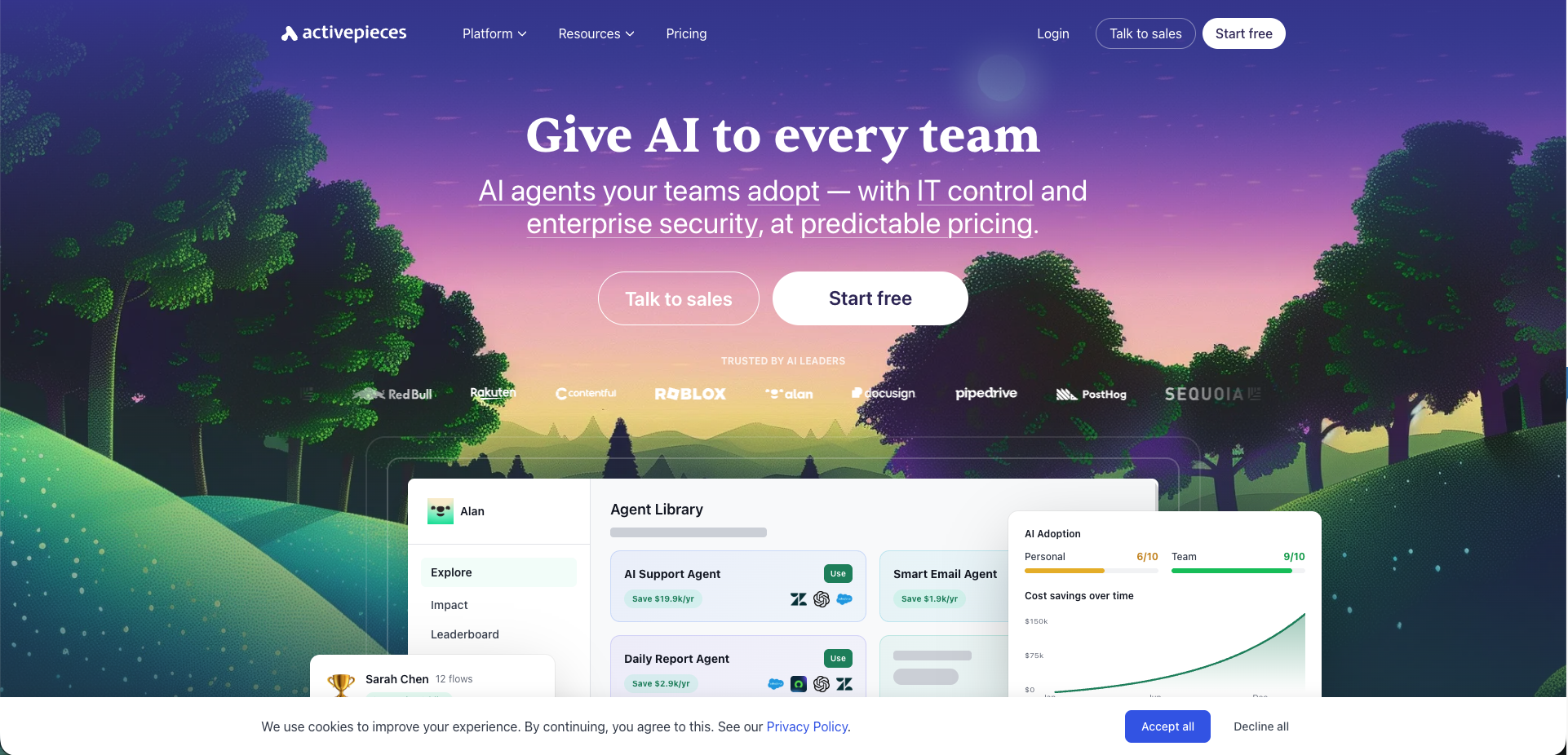
Activepieces is the MIT-licensed alternative to n8n, meaning zero restrictions on use, modification, or redistribution. If you're a SaaS builder wanting to embed automation into your own product, or an agency that needs full ownership of the platform, the licensing difference matters.
The interface is noticeably cleaner than n8n's, with faster onboarding for non-technical users. Activepieces has leaned heavily into AI in 2026, adding MCP server support that exposes all 280+ connectors as tools callable from any LLM. Docker setup is simpler than n8n's, with fewer environment variables and less configuration.
Pricing: Free cloud tier available. Self-hosted is free forever under the MIT license.
Limitations: Smaller integration library (~280 pieces vs. n8n's 400+ nodes). The community is growing but younger, so there are fewer templates and forum threads to reference when you hit edge cases.
Developer-first
Pipedream
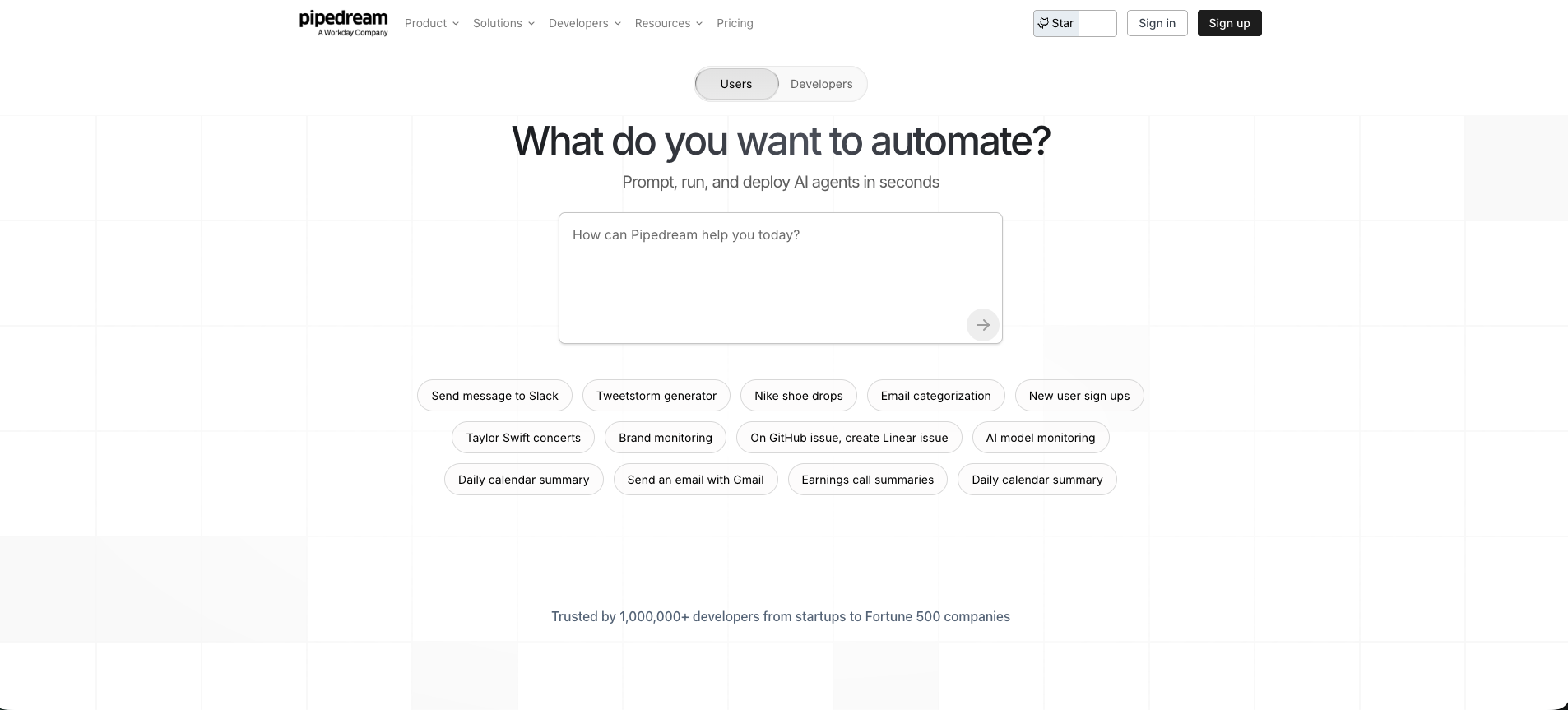
Pipedream sits between no-code and custom code. You build workflows using a visual editor with pre-built actions for 2,400+ apps, but you can drop in code steps using Node.js, Python, Go, or Bash at any point. GitHub sync keeps your workflows in version control. This hybrid approach makes it the go-to for teams that need no-code speed for standard connections and custom code for edge cases.
The platform was acquired by Workday in 2026, giving it enterprise backing. Execution logs are detailed and developer-friendly, making debugging straightforward.
Pricing: Credit-based, billed on compute time. Free tier available. Paid plans from $29/month include generous AI token allotments for AI-powered workflow generation.
Limitations: The interface and concepts are more technical than Zapier or Make. Non-developers will find the learning curve steep, especially when working with code steps or managing the compute credit system.
Enterprise and IT-led
Power Automate
Microsoft Power Automate is the go-to for organizations already invested in the Microsoft ecosystem (Teams, SharePoint, Dynamics 365, Azure). It supports both cloud-based flows for connecting apps and desktop-based robotic process automation (RPA) for automating legacy systems and on-premise tasks. That combination is unique among no-code tools.
Process mining and task mining capabilities identify automation opportunities across your organization. AI Builder adds intelligent document processing and prediction models directly into flows. Deep integration with Azure Active Directory provides enterprise-grade identity management and governance.
Pricing: Complex. Per-user plans start at $15/month. Per-flow, pay-as-you-go, and premium connector licenses are separate. Non-Microsoft connectors and features like RPA and AI Builder often require additional licensing.
Limitations: The interface is less intuitive than purpose-built automation tools. Building and debugging complex flows has a steeper learning curve. The reliance on premium connectors for third-party apps can make costs unpredictable.
Workato
Workato is an enterprise-grade integration platform (iPaaS) built for cross-departmental automation where governance, security, and scalability are non-negotiable. Its "recipes" handle intricate business logic connecting finance, HR, sales, and marketing systems within a secure, governed framework. Role-based access control, SSO, and detailed audit logs come standard.
With over 1,000 pre-built connectors and an SDK for custom connections, it's designed to serve as the central automation hub for an entire enterprise.
Pricing: No public pricing. Sales consultation required. Enterprise-level budgets expected.
Limitations: Overkill and cost-prohibitive for small businesses or teams automating simple tasks. The feature set and sales-led procurement process make it a poor fit for quick, self-service automation needs.
Specialist tools
Parabola
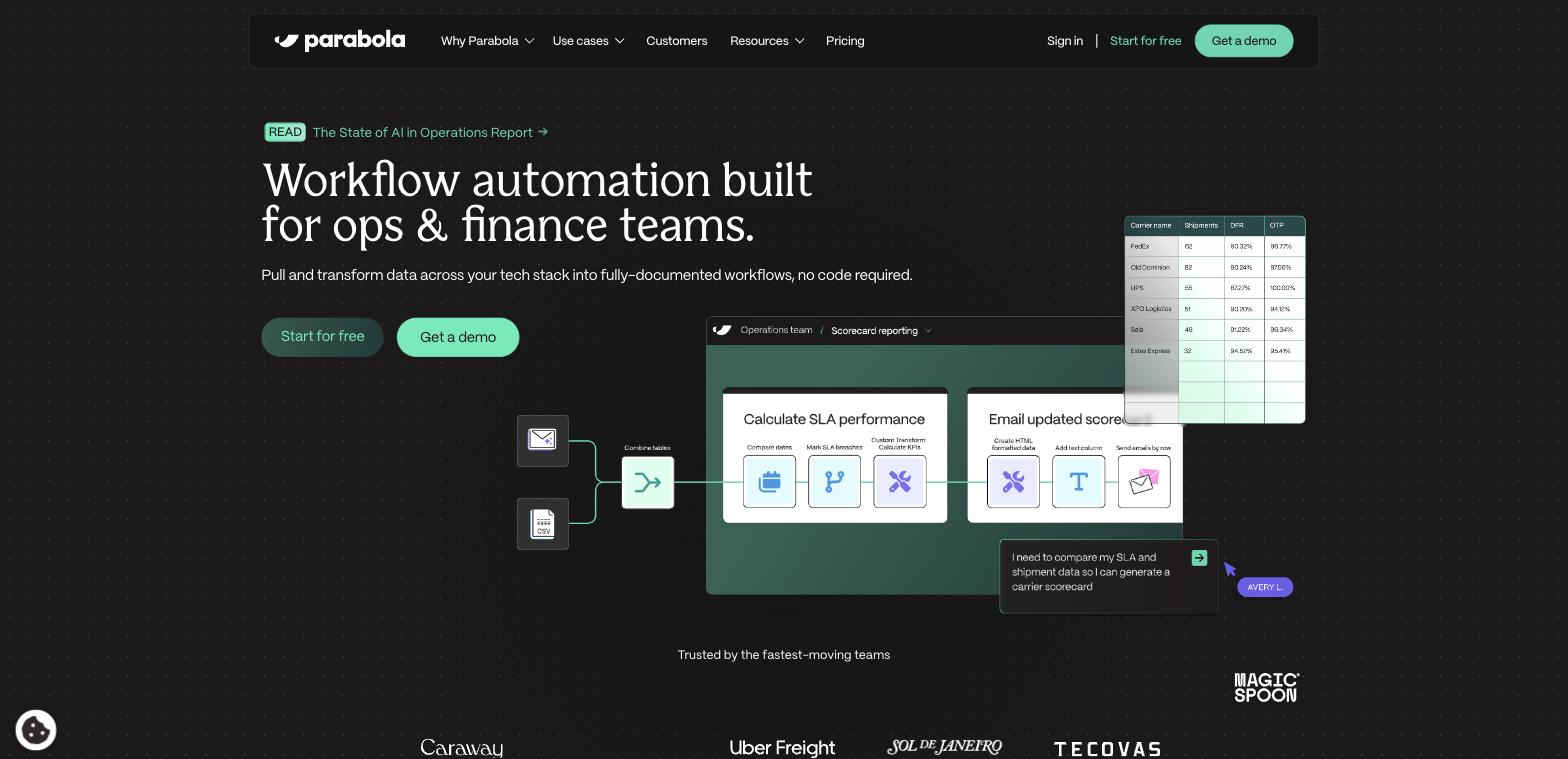
Parabola specializes in no-code dataflow automation for operations, e-commerce, and finance teams drowning in manual spreadsheet work. Instead of trigger-based workflows between apps, Parabola uses a visual canvas where you build "Flows" to import, transform, enrich, and export data on a recurring schedule.
This is the tool for automating back-office data preparation: merging reports from multiple sources, cleaning messy CSV files, syncing inventory data between Shopify and a warehouse management system, or calculating SLA performance from shipping data. Built-in Tables provide data storage, and AI-powered steps handle text analysis and classification within flows.
Pricing: Credit-based, with AI steps consuming more credits. Unlimited active Flows and scheduling controls on all plans. Free plan available.
Limitations: Not built for event-driven, real-time automations between apps (like instant Slack notifications from a new form submission). Its strength is scheduled, batch data processing.
Bardeen
Bardeen combines AI agents with browser-native automation for go-to-market teams. Its primary strength is automating research-heavy workflows like lead sourcing, data enrichment, and CRM updates directly within your web browser. The "Magic Box" feature lets you describe an automation in plain text, and Bardeen generates a ready-to-use "Playbook."
The browser extension makes it fast for tasks that involve pulling information from websites and moving it into Google Sheets, Notion, HubSpot, or Airtable. Testing Playbooks in Builder mode is free, so you can refine workflows before consuming credits.
Pricing: Free for basic automations. Credit-based for premium actions like AI enrichment and scraping.
Limitations: Dependent on the browser, which means workflows break if a website's structure changes. Not designed for server-side business logic or backend process automation.
Tines
Tines originated in cybersecurity and is built for reliability and security. The "Storyboard" visual builder handles processes that require strict governance, audit trails, and dependable execution, like incident response, threat intelligence analysis, and employee onboarding with compliance checks.
SSO is available to all customers (not a premium add-on). The Universal AI Workbench assists with building and debugging workflows. Agent-based actions can connect to any API, making it adaptable to specialized security toolchains.
Pricing: Sales-assisted. Enterprise-level budgets. Free community edition available for smaller teams.
Limitations: The interface and terminology reflect its security origins. Users from marketing or sales backgrounds will face a steeper learning curve compared to general-purpose tools.
Three workflows you can build this week
Comparing feature lists is useful, but seeing what these tools actually do in practice is where things click. These three workflows solve common business problems that ops, sales, and marketing teams deal with every day. Each follows the Trigger → AI step → Action → Outcome pattern and can be built in under an hour with most of the tools listed above.
Lead qualification and routing in under 60 seconds
A prospect fills out your HubSpot form. In most companies, that lead sits in a queue until someone manually reviews it, copies the data into a spreadsheet, and pings the right sales rep. By the time the rep reaches out, the lead has gone cold.
The automated version works like this: when a new HubSpot form submission arrives, the workflow uses AI to analyze the lead's company size, industry, and job title against your ideal customer profile. Qualified leads get a contact created in your CRM with enriched data, the lead gets assigned to the right rep based on territory rules, and a Slack message with all the key details hits the #new-leads channel. Unqualified leads get tagged and added to a nurture sequence instead.
Response time drops from hours to seconds. Reps talk to warm leads while interest is high, and your ops team gets back the hours they used to spend on manual data entry.
Support ticket triage that never sleeps
Picture a support team battling a shared Gmail inbox. Every email is a manual triage exercise: read it, figure out the topic, decide who should handle it, forward it, and hope nothing falls through the cracks.
An automated triage workflow watches the support inbox for new messages. AI scans each email's content and classifies it by topic (billing, technical issue, feature request) and urgency (detecting frustrated sentiment). Billing queries create a task in the finance team's Asana project. Technical problems post to the #tech-support Slack channel with the full email details. Feature requests get logged to a Notion database with the right tags.
Teams using this kind of AI workflow automation report initial response times dropping by over 50%, with tickets routed accurately and without human oversight.
Content distribution on autopilot
A content manager publishes a new blog post. Then comes the checklist: write a LinkedIn post, craft a tweet, schedule a Facebook update, draft the newsletter blurb, and notify the team in Slack. That's 45 minutes of copy-paste work per article.
The workflow triggers when a new post goes live on your blog's RSS feed. It grabs the title, link, and featured image. AI generates platform-specific summaries (longer for LinkedIn, punchy for X). The posts get scheduled across social channels at optimal times. A draft campaign gets created in your email marketing tool. And a "New post is live" message with a direct link drops into the team Slack channel.
Marketing teams report getting back 8-10 hours per month from this single automation, freeing them to focus on creating content instead of distributing it.
No-code vs. low-code vs. custom code: pick the right approach
Before committing to a specific tool, it helps to understand which category of approach fits your situation. These three paths solve different problems, and picking the wrong one leads to wasted time.
No-code platforms (Zapier, Make, Stepper) are built for speed and accessibility. You connect apps, set rules, and build workflows using visual editors and plain-English descriptions. No programming knowledge required. This is the right choice for the vast majority of operational workflows: lead routing, support ticket triage, content distribution, customer onboarding sequences, and data syncing between apps.
Low-code platforms (n8n, Pipedream, Power Automate) use visual builders too, but they open the hood for developers or technical users to add custom code when pre-built integrations don't cover an edge case. This hits a sweet spot for workflows that are mostly standard but have one or two steps requiring custom logic, like pulling data from a proprietary API or running a complex calculation. If you're evaluating these options for process-level automation, our guide to business process automation tools goes deeper on the selection criteria.
Custom code is traditional software development. Unlimited flexibility, but it requires a full engineering team, a long timeline, and a significant budget. Reserve this for building core, mission-critical systems that define your business. For everyday workflow problems, it's overkill.
| Factor | No-code | Low-code | Custom code |
|---|---|---|---|
| Who builds it | Ops managers, marketers, business users | Technical users, developers | Software engineers |
| Time to deploy | Hours to days | Days to weeks | Weeks to months |
| Flexibility | Pre-built triggers and actions | Pre-built + custom code where needed | Unlimited |
| Maintenance | Platform-managed | Shared (platform + your team) | Fully your team |
| Best for | 90% of standard business workflows | Edge cases needing custom logic | Proprietary core systems |
A practical rule: start with no-code. If you hit a wall where pre-built connectors can't handle a specific step, move to low-code for that workflow. Only go custom when the entire process is so unique that no platform can model it. For a broader look at the best automation workflow tools available in 2026, we've compared the landscape across all three categories.
How to pick the right tool for your team
Feature tables are a starting point, but the tool that works for a five-person marketing team looks different from the one that works for a 200-person enterprise. Focus on these four factors.
Match the tool to your core use case
If you're connecting two popular apps with a straightforward trigger-and-action flow, Zapier or Pabbly Connect will get you there fast. If your workflows involve branching logic, conditional routing, and data transformation, Make or Stepper give you the visual depth to handle that complexity. If you need self-hosted control and the ability to drop into code, n8n or Activepieces are your lanes.
Audit the integration library before you commit
Don't get distracted by the total number of integrations. Check for the specific triggers and actions you need in the apps you rely on. A Salesforce connector that only creates contacts but can't update existing records becomes a blocker fast. Test custom fields, webhook support, and the quality of the generic HTTP/API connector for less common tools.
Watch for pricing traps as you scale
A per-task pricing model looks cheap at low volume but creates unpredictable bills as your automations gain traction. Models that charge per workflow execution (n8n) or exclude internal operations from task counts (Pabbly Connect) are more predictable. Features like reusable components (Stepper) save time and money at scale by preventing you from rebuilding the same logic in every workflow.
Think about what you'll need in six months
You'll start with simple two-step automations. Within weeks, you'll want AI classification, conditional branching, error handling, and shared component libraries. Choose a platform that has room to grow, so you're not migrating to a new tool right when your automation program hits its stride.
FAQ
How much technical skill do I need to use no-code automation tools?
If you understand the steps of your business process, you have what it takes to build a basic automation. Modern platforms use visual drag-and-drop interfaces and plain-English descriptions, so you don't need programming experience. Most users build their first useful workflow (like syncing form submissions to a spreadsheet and sending a notification) in under an hour.
Is no-code automation secure enough for business data?
Reputable platforms are built with enterprise-grade security, including data encryption in transit and at rest, SOC 2 compliance, and GDPR adherence. Many automations don't store your data long-term. They act as a secure pass-through, moving information between the apps you already use and trust. Look for platforms that offer a "bring your own API keys" model for additional control over sensitive credentials.
What are the real limitations of no-code?
You're working within a set of pre-built triggers, actions, and connectors. If you need deeply custom logic that doesn't exist within the platform's toolkit, you'll hit a wall. A reasonable estimate is that no-code handles about 90% of standard business workflows. For the other 10% (proprietary algorithms, complex data science pipelines, highly custom UIs), low-code or traditional programming is the better path.
What's the difference between no-code and low-code?
No-code is purely visual, designed for business users who want zero programming. Low-code starts with visual builders but lets technical users inject custom code for advanced customizations. Many modern platforms blend both: you build everything in the visual editor, but the option to add custom logic is there when a project calls for it. n8n and Pipedream lean low-code. Zapier and Stepper lean no-code. Make sits in between.
How do I measure the ROI of automation?
Benchmark the process before you automate it. Then track hours saved per week (multiply the manual task time by automation frequency), reduction in error rates, and faster processing times (lead response time dropping from hours to minutes, for example). Don't forget qualitative gains: employee satisfaction improves when repetitive data entry disappears, and customer satisfaction often climbs when service becomes faster and more consistent.
Can I switch tools later if I outgrow my first choice?
Yes, but it involves recreating workflows on the new platform. To minimize switching costs, document your workflows clearly and avoid building on proprietary features that don't exist elsewhere. Platforms with reusable components and export capabilities make migration easier. Starting with a tool that has room to grow (strong integration library, flexible pricing, advanced features available when you need them) is the best way to avoid this problem entirely.
Build a free lead-routing workflow in Stepper and you'll have a working system in under 10 minutes. Describe the process in plain English, fine-tune it in the visual editor, and save the logic as a reusable component for your next automation. If you get stuck, drop into the Discord community where the team typically replies within 8 hours.