Post Google Forms responses to a Discord channel
Post each new Google Forms response to a Discord channel. Set the bot's name and icon, choose the answers to show, and keep your moderators in the loop.
Last checked
What it does
Discord servers run a lot on Google Forms: event sign-ups, applications to join, moderation reports, suggestion boxes. The people who handle them are in Discord, not in the form's Responses tab.
This workflow posts each new response to the Discord channel you choose, one answer per line with the time it was submitted. It posts under the name "Google Forms", so everyone can see where it came from, and you can change the name or add an icon.
The message is set up for Name, Email, Company and Message questions. If your form asks other questions, you swap in your own answers when you set it up.
The steps
-
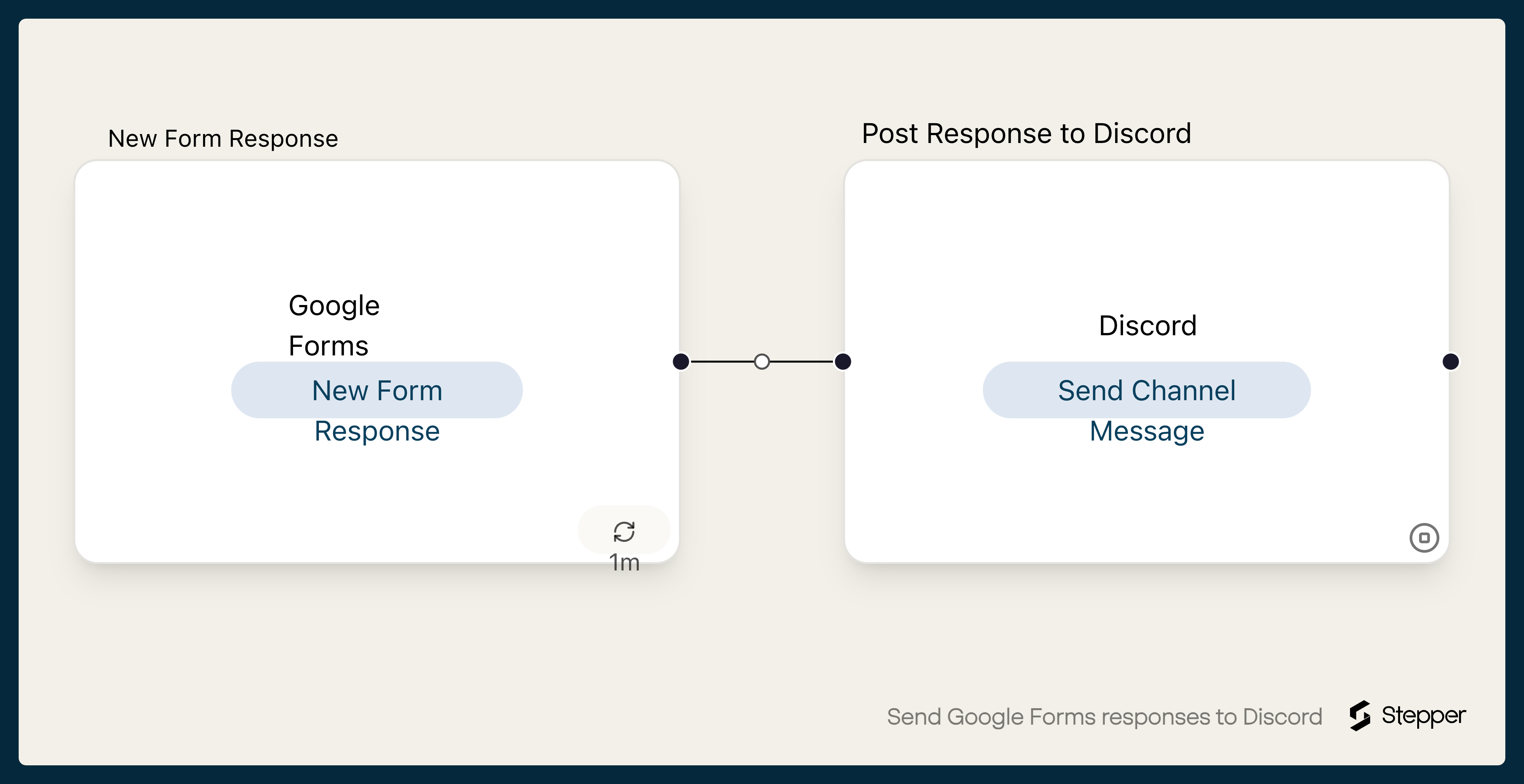
Google Forms: New Form Response
Starts the workflow when the form you choose gets a new response.
-
Discord: Send Channel Message
Posts the response to your Discord channel under the bot name "Google Forms", one answer per line, with the submitted time.
What you need connected
You also need a Stepper account. Each app's page lists every trigger and action Stepper has for it.
How to set it up
- Sign in to Stepper, or create a free account.
- Click Use this template in Stepper. Stepper copies the workflow into your account and asks you to connect Google Forms and Discord if you haven’t already. Connect the Google account that owns the form.
- In the Google Forms trigger, choose your form.
- In the Discord step, choose the channel, for example a private channel for moderators if the form takes applications or reports.
- Check the message. If your questions aren’t named Name, Email, Company and Message, replace those lines with your own answers using the data picker. Change Bot Name or add a Bot Icon if you like.
- Submit a test response and run a test. Stepper checks Google Forms for new responses on a schedule, so the message may take a few minutes to arrive.
- When it reads well, click Publish.
What you can change
- Pings. Turn on role mentions and mention a role, such as @Moderators, so the right people get notified.
- Different channels. Add a second Discord step with a condition on each rule, and post reports and suggestions to separate channels.
- A record. Add a Google Sheets step to keep every response in a sheet as well.